 minute read
Assign ADE Profile using Omnissa Workspace ONE API
When using the Omnissa Workspace ONE with API integration, you may instruct Mobile Access Management to Pre-register to Username or Lookup Username.
Click to enlarge
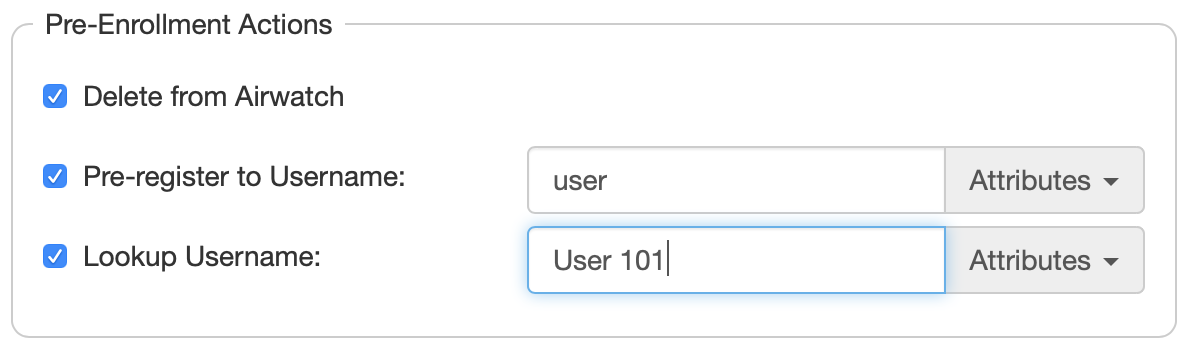
The dialog displays a list of ADE profiles from your Workspace ONE server. If the list is out of date, click Resync.
This feature is helpful when your organization has multiple ADE profiles, and the MAM devices are not going to use the default. For example, your default ADE profile may show several setup screens, which is not appropriate for automated device configuration. If you have created an alternate profile for MAM devices, the system can automatically assign the profile before ADE enrollment.
Click to enlarge
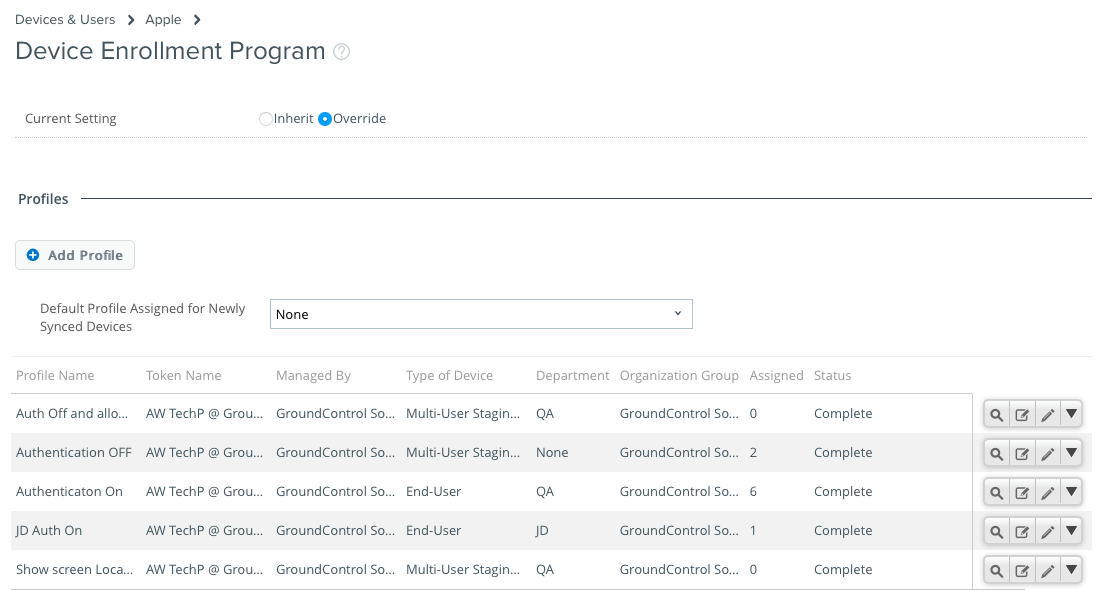
Notes:
-
This feature is appropriate only for devices that are already enrolled in ADE. Mobile Access Management will not enroll non-ADE devices into ADE for you, but you may use Apple Configurator for that task.
-
Do not include leading or trailing spaces in ADE profile names.
-
If your ADE profile has authentication OFF, Imprivata recommends that you do not combine this feature with the Delete from Workspace ONE command.


